

IconicWp WooCommerce Account Pages
Mar
IconicWp WooCommerce Account Pages
Iconic WooCommerce Account Pages Premium add custom pages and tabs to the My Account page in WooCommerce with the plugin WooCommerce Account Pages.
Premium WordPress Plugins. Join membership for Free Download
Product Description
- Product Type: OSS
- File: Complete
- Licenses : Unlimited GNU (GPL versions 2+)
- Versions: Premium
- Usage: Unlimited Domain
Iconic Account Pages Features
- Create new endpoints in the My Account area of your WooCommerce store with WooCommerce Account Pages.
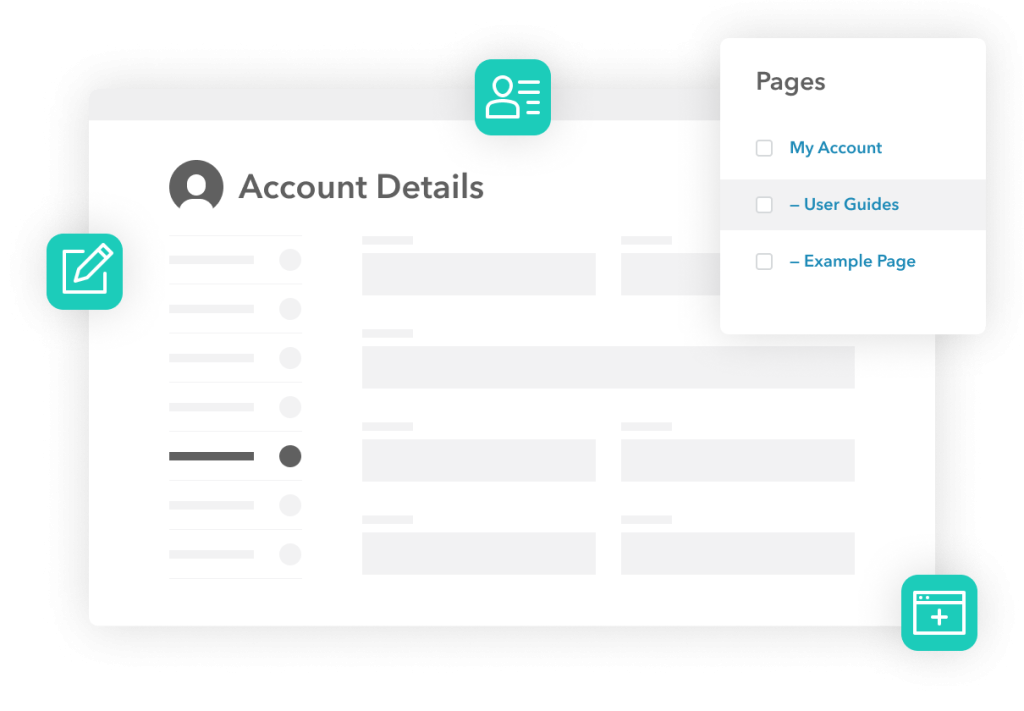
- To create a new menu item in the My Account area, with WooCommerce Account Pages, you create a new page within WordPress and set the ‘Parent’ as your My Account page.
- You can create as many custom endpoints/pages as you like for the account menu sidebar. There’s no limit.
- When creating a new endpoint/page for your My Account area, you can add any endpoint content to this page. Customizing them couldn’t be easier, especially when using the Gutenberg block editor.
- You can add anything from an FAQ section, user guides/tutorials, contact forms, coupons, and more using existing shortcodes or blocks in WordPress. You don’t have to create anything from scratch.
- When creating your new endpoint/page, you can specify which user roles you want that endpoint to appear for by simply clicking checkboxes.
- This way, you can tailor your store’s user experience to specific store customers, members, subscribers, and more.
- WooCommerce Account Pages is compatible with User Role Editor, so you can get as specific and tailored as you like with these two in combination.
More Incredible Features
WooCommerce Account Pages also includes all of the following features
- Familiar Page Editor
- Shortcode-Friendly
- Block Editor-Friendly
- Unlimited Pages
- WooCommerce Compatible
- Account Links
- Page Ordering
- Seamless
Files To Download
| File | |
|---|---|
| iconic-woo-account-pages-premium.zip |
- Version 1.7.0
- Release Date 27-04-2026
- License & Support BUY
- File Size 380.48 KB
- File Count 1
- Download 4
- Create Date 03-03-2025
- Last Updated 15-02-2026
Downloading Instruction
The IconicWp WooCommerce Account Pages plugin can be downloded as a compressed file (zip, rar format).
File(s) you just downloaded can be uploaded directly to your server or WordPress, though some files may require extraction before installation. We ensure that all files are clean and safe, free from malware or viruses. Please remember that the downloaded file do not come with official support or updates. Using the official version is always recommended for security and stability.
Just click on the link (blue / green button in color) to download it to your computer.
How to install WordPress Plugin (Manually)
- Download the IconicWp WooCommerce Account Pages files from our website
- From your WordPress dashboard, choose Plugins > Add New.
- Click Choose File, locate the plugin .zip file, then click Install Now.
- After the installation is complete, click Activate Plugin.
- Return to the WordPress dashboard and click the Installed Plugin. Find the plugins.
Disclaimer
- The item listed in memsuka.com listing is developed by third-party developer.
- We are not associated with nor is endorsed by any of the third party developers or trademark owners mentioned in this site. Any mention of these companies is merely for understanding of clients not misled as to the original source of the product.
- We do not offer any additional services from developers, such as product customization or license keys.
- We would always encourage clients to purchase direct from developer in case they are interested in premium plugin/theme related support & official updates.
- We are Ads free download services.
- The downloaded product:
- is intended for testing purposes only.
- 100% Free From Viruses & Free From Malware
- for Unlimited Use
